On this page +
Beginner guide
Your first county should be boring in the best way: a few connected settlements, one reliable food supply, one equipment chain and enough carpentry points to keep building. This guide takes you from the tutorial’s first white circle to a stable level-two region, then shows where to go next.
The free demo or Early Access build, about two to four hours, and the willingness to pause and read tooltips. The guide assumes the October 2026 demo or later; older Next Fest builds had different mayor and culture rules.
Before you start
Complete the in-game tutorial first. It teaches the camera, the settlement placement rules and the basic road tool. It is not a full tutorial for the economy, which is why this guide exists, but skipping it makes the first hour harder.
Three interface details matter immediately:
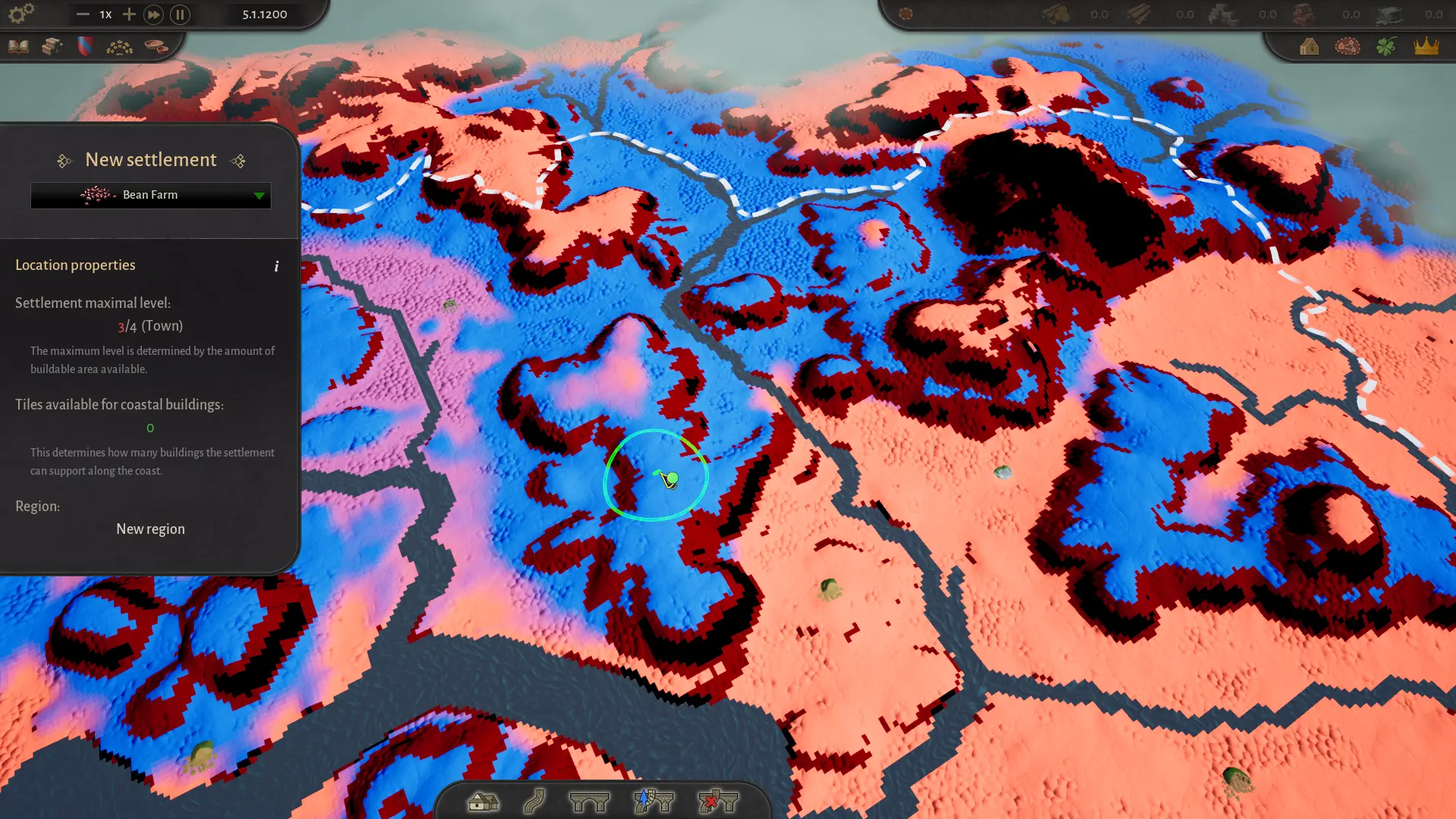
- Select a starting building in the left panel before placing a settlement. A red placement marker often means no building is selected, not that the site is invalid.
- Use the white circles during the tutorial. They are recommended starting locations; later settlements can go anywhere valid.
- Check the river direction before you plan trade. Rafts move downstream in the demo, and heavy goods cannot travel between regions by road.
C opens the new settlement tool, V opens the road tool, T opens trade, and Esc or right-click closes the active window. Holding Shift while building a road creates a straight diagonal.
1. Place the first settlement
Pick a tutorial circle with access to the resource you want to start with. Food is the safest first choice: a settlement that can grow cabbages, turnips, beans or grain will feed the opening cluster. Wood is also valuable because carpentry points gate construction.
Do not settle on stone terrain. Stone patches can be small and hard to see, and the game will reject the site even if the surrounding grass looks buildable. If placement fails, zoom in and look for a grey or rocky patch under the settlement footprint.
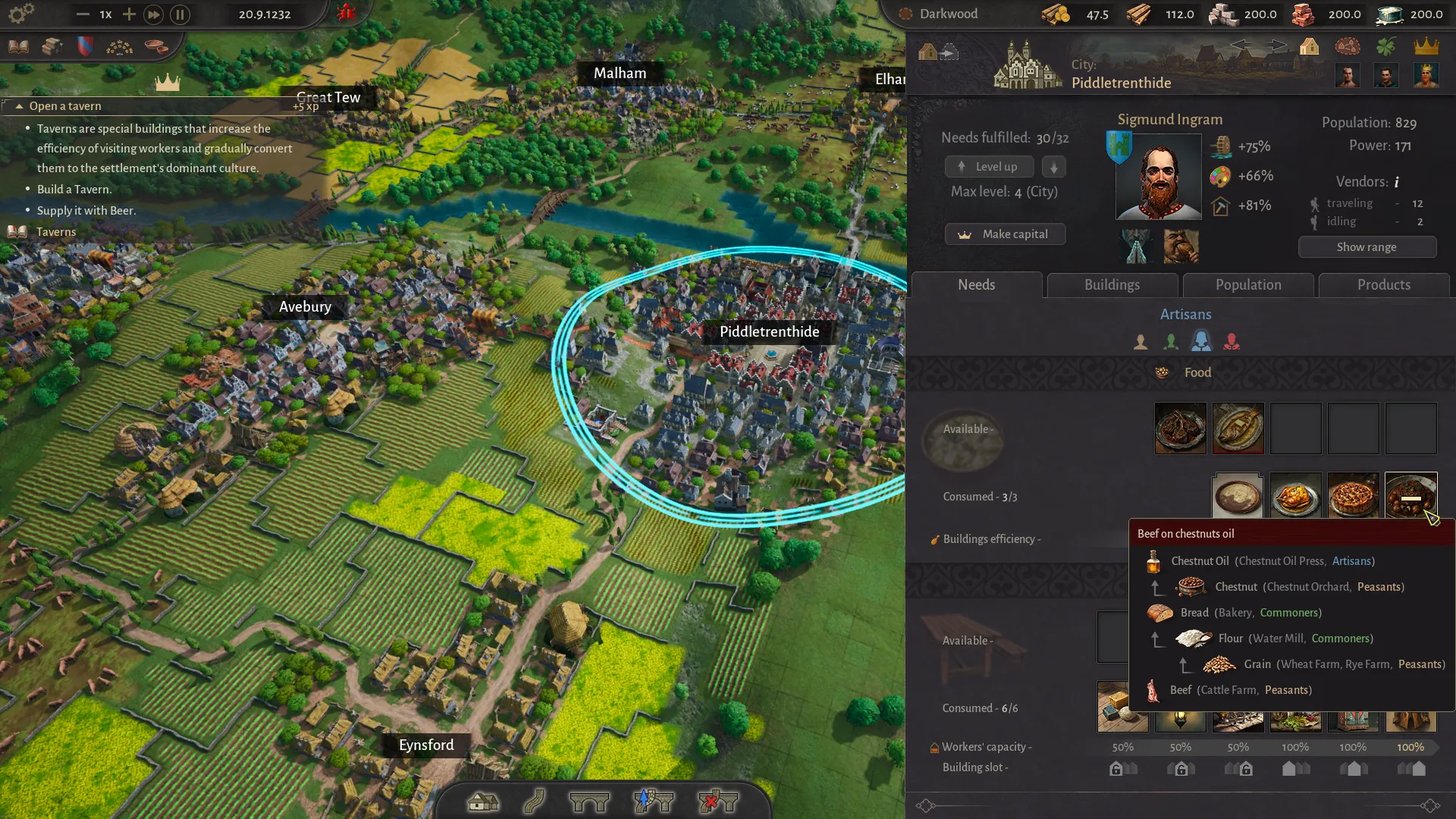
Once the settlement is placed, open its panel. You will see its mayor slot, needs, buildings, population and products. The mayor slot is empty at the start; appoint someone as soon as you can, because even a modest production bonus compounds over the opening hours.
2. Build the opening cluster
A reliable opening cluster has four roles:
- A food settlement. A farm or two that can supply the region.
- A logging camp. Logs feed the carpenter’s guild and wooden chest production.
- A carpenter’s guild. Produces carpentry points used for construction and maintenance.
- A wooden chest workshop. Turns logs into equipment, unlocking building slots.
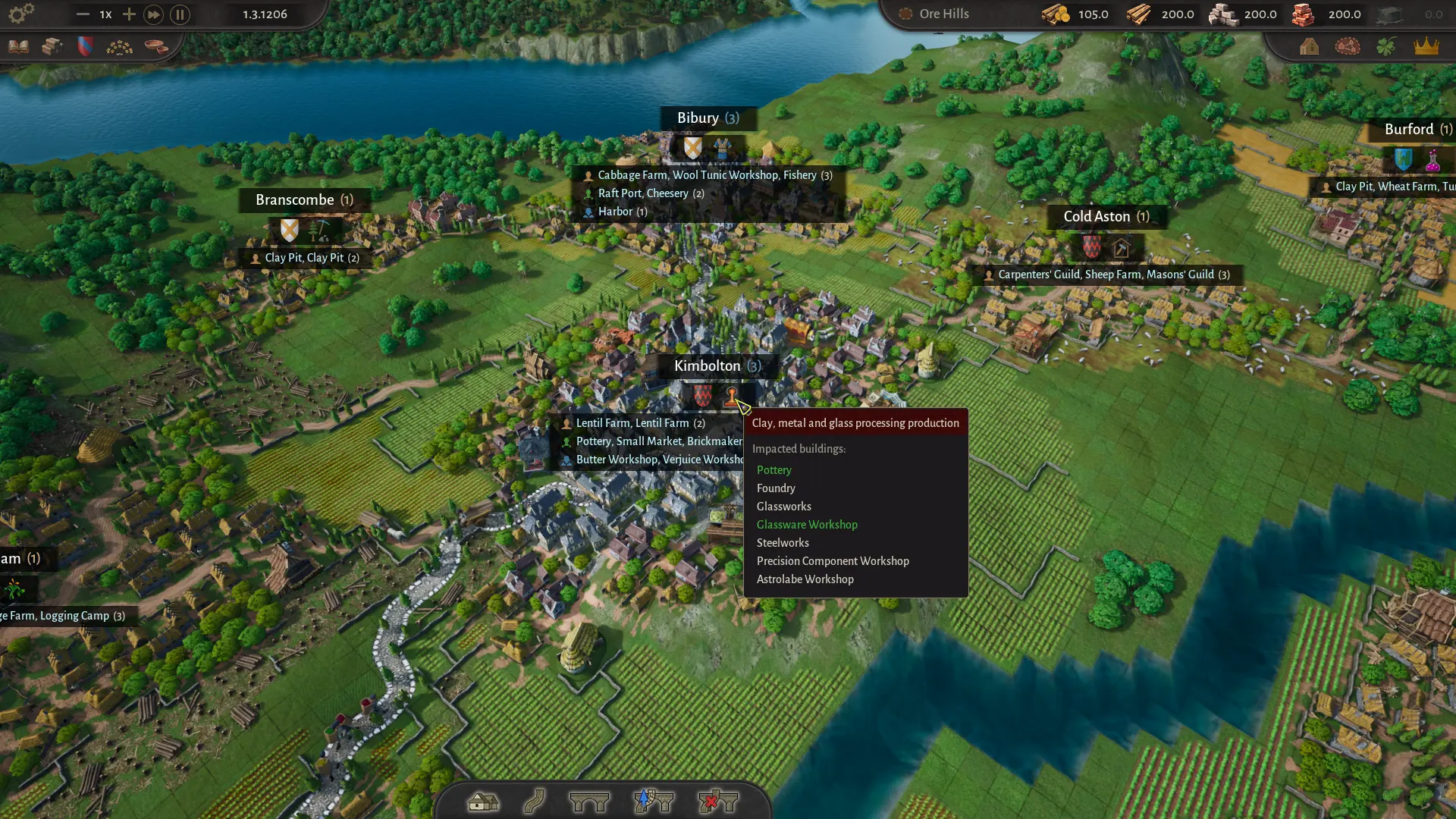
Place them close enough to connect with short roads, but not so close that their settlement radii overlap. Each settlement needs its own buildable area. A compact cluster with a shared road spine is easier to supply than four isolated towns.
Connect every settlement to its market square
Roads must connect to the yellow central square of each settlement. A road that stops at the edge of the settlement may look connected but will not move goods. Hover the road tool over a settlement to highlight the valid connection point.
Build one main road through the cluster rather than a spaghetti of branches. Later, when traffic capacity becomes a problem, upgrade the busiest sections to stone roads. The trade guide covers road capacity and bridges in detail.
Appoint mayors immediately
Open each settlement, click the empty portrait and choose a mayor. Check the bonus before you confirm: a mayor with a food bonus belongs in the food settlement, while a mayor with a carpentry or wood bonus belongs near the guild. Do not overthink the first appointments; swapping mayors is free and penalty-free in the current build.
3. Make the region self-sufficient
The opening loop is about satisfying needs across the whole region, not one settlement at a time. Open the needs panel and set the same food recipe in every settlement. Then wait for the red warning icons to disappear.
The sequence that works:
- First food. Choose one food type that the region can produce reliably and set it everywhere. Wait until the warnings clear.
- Equipment. Produce wooden chests (or wool tunics) and supply them to every settlement. This unlocks the next building slot.
- Second food. Add a second food type in the food settlement and distribute it. Variety improves satisfaction and supports population growth.
- Wool tunics. If you have sheep, build a sheep farm and wool tunic workshop. Wool tunics are an alternative equipment good and become important for later needs.
- Third food. Add another food only when the first two are stable. More variety is not useful if the supply is intermittent.
Every new need consumes goods and worker time. If you enable five foods before the first supply chain is stable, the region will show constant shortages and you will not know which chain is failing. Add one need, wait for stability, then add the next.
Watch the top bar
The top bar shows regional stocks and construction points. If a resource is falling, pause and find the producer before it hits zero. A settlement that runs out of food loses efficiency and can shrink; a construction site without carpentry points stalls.
4. Reach level two
A settlement can level up when all of its consumption needs in the Food and Equipment categories are met. Open the settlement panel and click Level up. The button is disabled if anything is missing.
Two rules matter:
- You can level a settlement down to free the requirement for another settlement. This is useful when you have more towns than supply.
- Maximum level depends on buildable area. A cramped site may cap below level four even if its needs are met. Check the settlement’s maximum level before you invest in it.
In the demo, stop at level two. In Early Access, the cap rises to level four and unlocks Artisans and Patricians. The social classes guide explains the full progression.
5. Add Commoner buildings
Level two unlocks the Commoner building tab. The best first choices depend on what the region lacks:
| Building | Use it when | Watch out for |
|---|---|---|
| Small Market | You want land trade between regions or need to receive goods at a raft port | Heavy goods still cannot move by road |
| Raft Port | You have a river and need to move stone, clay, sand or logs between regions | Rafts travel downstream only in the demo |
| Tavern | You want to boost worker efficiency and spread the dominant culture | Requires beer; culture conversion can create tensions |
| Bakery / Water Mill | You have grain and want bread, a higher-value food | Needs a reliable grain supply and workers |
| Cheesery / Butter Workshop | You have milk or livestock and want food variety | Adds another chain to maintain |
Do not build a Tavern just because it is available. It consumes beer and changes culture shares, which can be good or bad depending on your plans. Read the cultures guide before using it to convert a settlement.
6. Secure stone and masonry
Stone is the next bottleneck. Many Commoner buildings and stone roads require masonry points, which come from a mason’s guild and a supply of stone. If your starting area has a stone deposit, build a quarry settlement nearby and a mason’s guild in a settlement with spare workers.
If there is no stone in your region, you have two options:
- Found a new region upstream. Build a quarry and a level-two settlement with a raft port, then float stone downstream to your main region.
- Import by road with a small market. Lighter goods can move by road; stone, clay, sand and logs cannot cross regions by road in the demo. For stone, the river is the practical route.
Build the mason’s guild before you queue a wave of stone buildings. A guild with no stone is just an empty building, and a guild with no workers is worse. The construction points guide explains maintenance.
7. Connect regions with trade
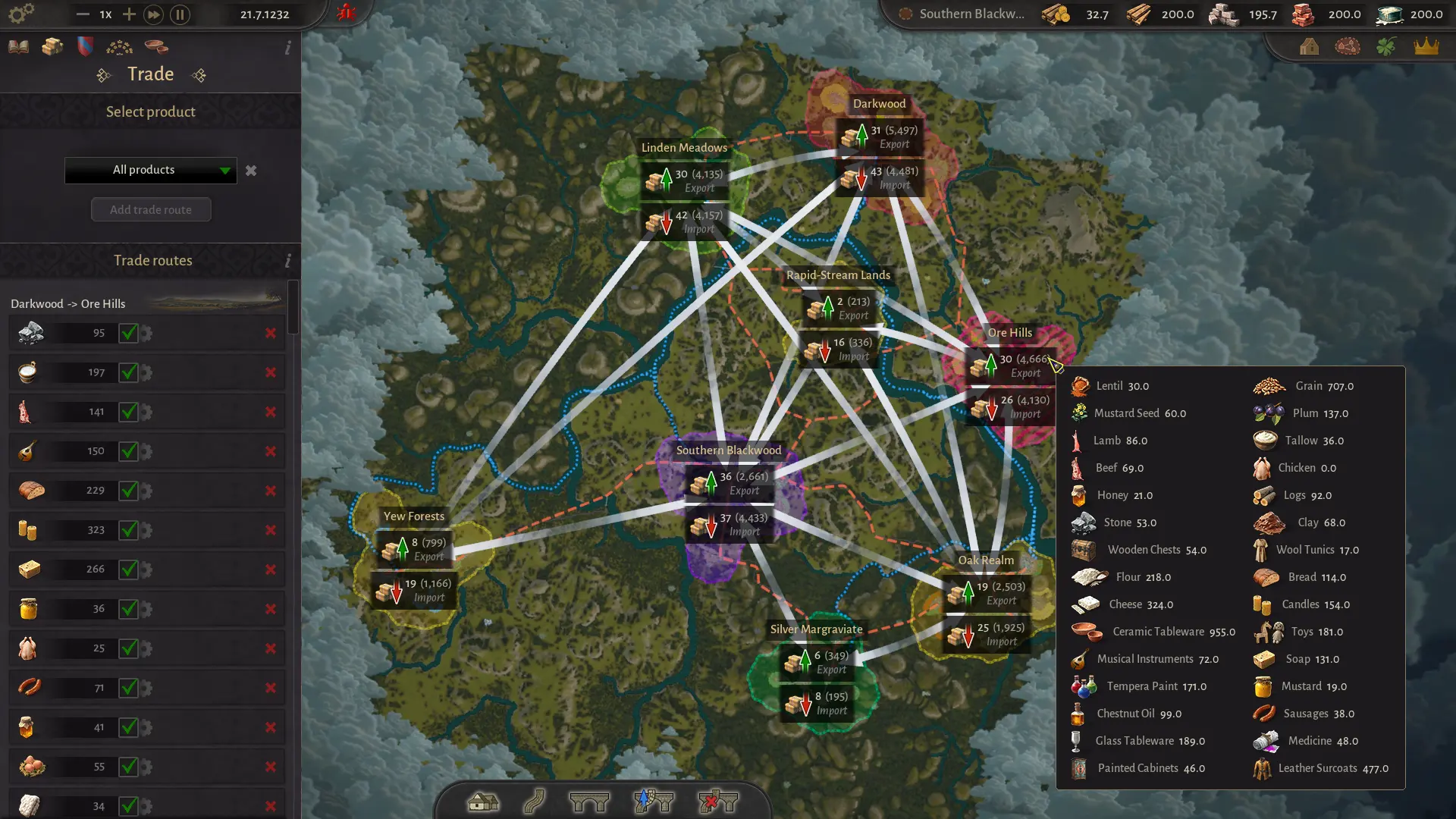
Once you have a second region, open the trade menu with T, choose a product, select the origin and destination regions and enable auto-trade. The route only works if the infrastructure exists:
- Land trade needs a road connection and a small market in the sending region.
- River trade needs a raft port in each region and a navigable river. Rafts move downstream only in the demo.
- Heavy goods such as logs, stone, clay and sand require the river.
- Receiving by land at a raft port requires a small market in the sending region.
If a route is not moving goods, check production first, then the road connection, then the direction of the river. The trade routes guide has a full troubleshooting checklist.
8. Use mayors and politics
By the time your region is stable, you should have a mayor in every settlement and a sense of which noble houses are gaining influence. Three habits will keep the political layer manageable:
- Match the bonus, not the portrait. A mayor with a food bonus is wasted in a quarry town. Swap freely; there is no penalty in the current build.
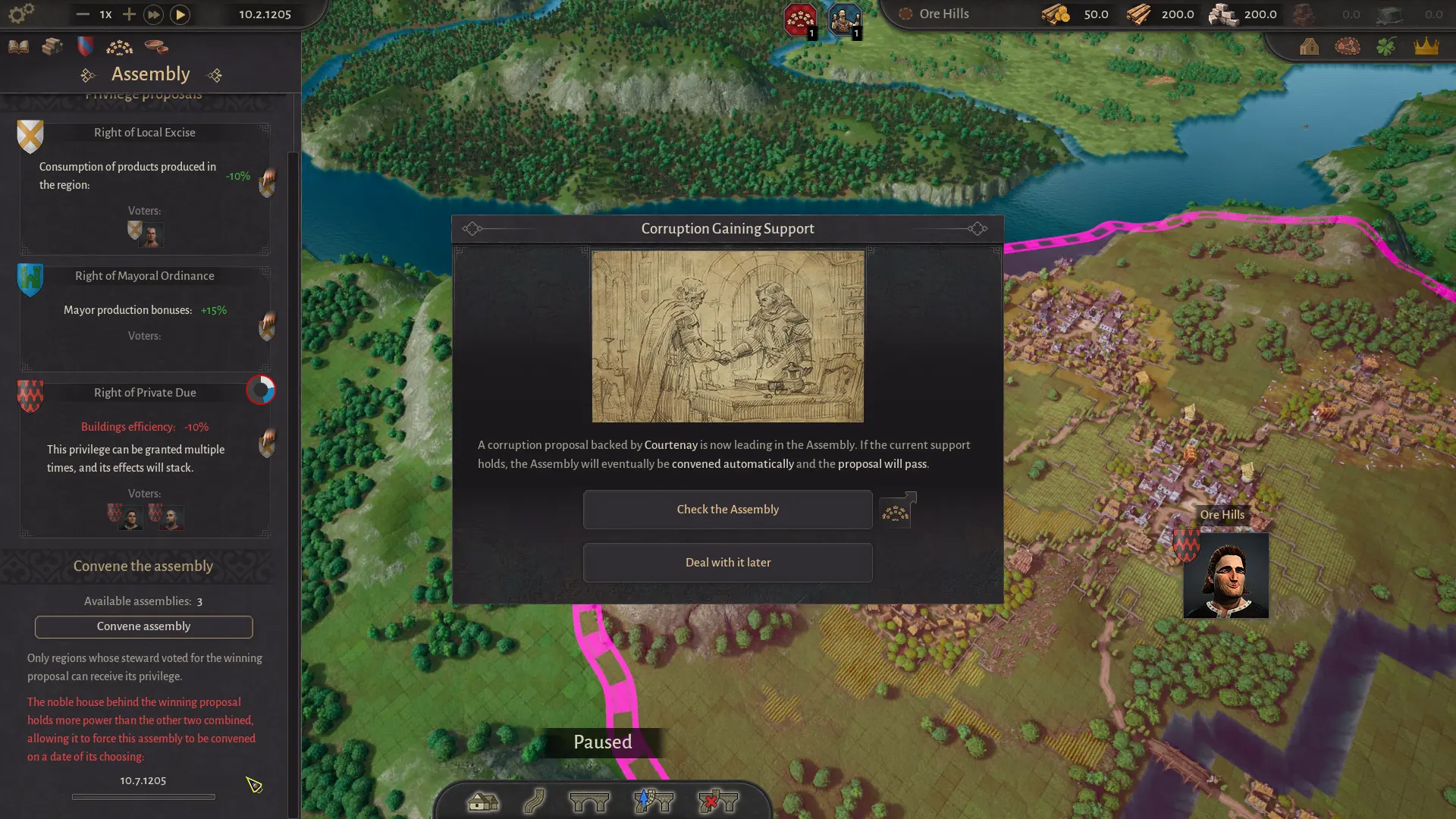
- Watch elections. Regional stewards and house support determine who shapes privileges. A house with high influence can push proposals that help or hurt your plans.
- Attend the Assembly. Privileges such as capital building efficiency, reduced consumption or mayor bonuses are worth more than a small tax tweak. Vote for the proposal that fits your next project.
The mayors guide, noble houses reference and Assembly guide go deeper once you are ready.
Common failure points
| Symptom | Likely cause | Fix |
|---|---|---|
| Settlement will not level up | One food or equipment need is unmet | Open Needs, check the red icons, supply the missing good region-wide |
| Workshop is idle | Missing input or workers | Hover the production chain; confirm input production and road access |
| Goods pile up in one settlement | No market or trade route | Build a small market, connect the road, or set a trade route |
| Construction stalled | No carpentry or masonry points | Build/expand a guild, supply logs or stone, check maintenance |
| Region is always short of food | Too many needs, too few farms | Disable a need, add a farm, or level a settlement down |
| Trade route does nothing | Wrong transport or direction | Heavy goods need river; rafts go downstream; land trade needs a small market |
| Settlement radius blocks a new site | Overlapping settlement areas | Move the existing settlement or choose a different site |
Do not add a new settlement, need or region until the current system is stable. County of Fortune rewards compounding stability, not rapid expansion.
When your first region is stable, read the settlements guide to plan the next one, or the production guide to improve the economy you already have. For quick fixes, keep the tips page open.
Quick answers
Beginner guide questions
How long does it take to learn County of Fortune?
The tutorial takes about 20–30 minutes. A stable first region takes roughly two to four hours in the demo, depending on how quickly you understand roads, needs and production chains. The political layer unfolds after that.
Why can’t I place my first settlement?
The tutorial requires you to place it inside one of the white circles and select a starting building in the left panel first. The site may also be invalid if it overlaps another settlement radius or sits on stone terrain. Read the reason at the bottom of the left panel.
How do I get a second building slot?
Supply the settlement with equipment. At the Peasant tier, that means wooden chests or wool tunics. Once the equipment need is met, the next building slot unlocks. At level two, more equipment also increases the maximum number of workers in buildings.
Should I build a second region early?
Only after the first region is stable at level two. A second region adds mayors, trade routes and political overhead. Secure food, equipment, carpentry and stone in the first region before you expand.