On this page +
Settlements guide
Settlements are the building blocks of a county. You choose where they go, what they start as and what they become; the game fills in the streets. The hard part is not placing a town, but placing the right town in the right landscape.
What is a settlement?
A settlement is a named town with its own mayor, population, needs, production buildings and buildable radius. It grows from a hamlet through village and town to city. In the demo, settlements cap at level two; Early Access raises the cap to level four.
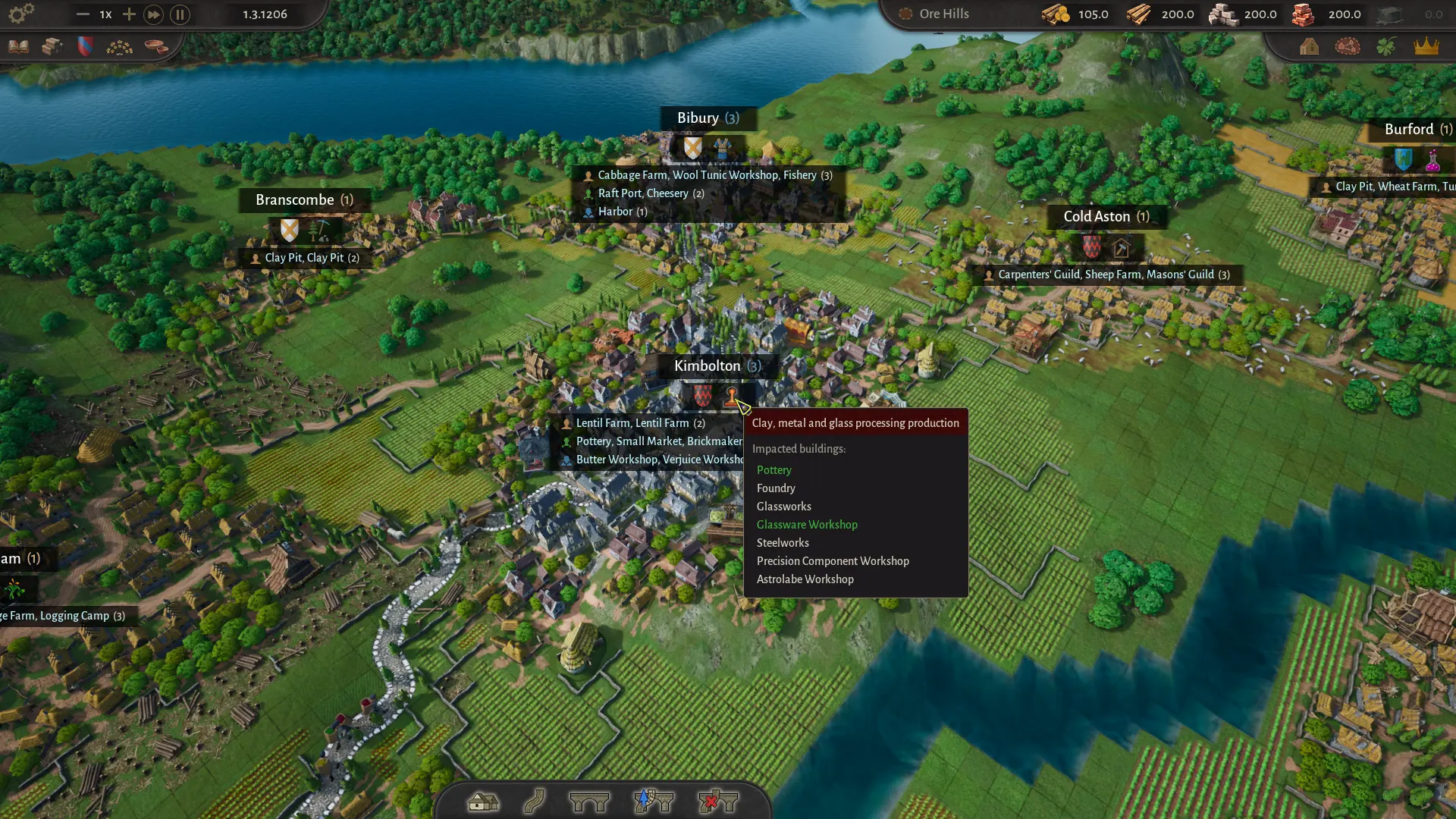
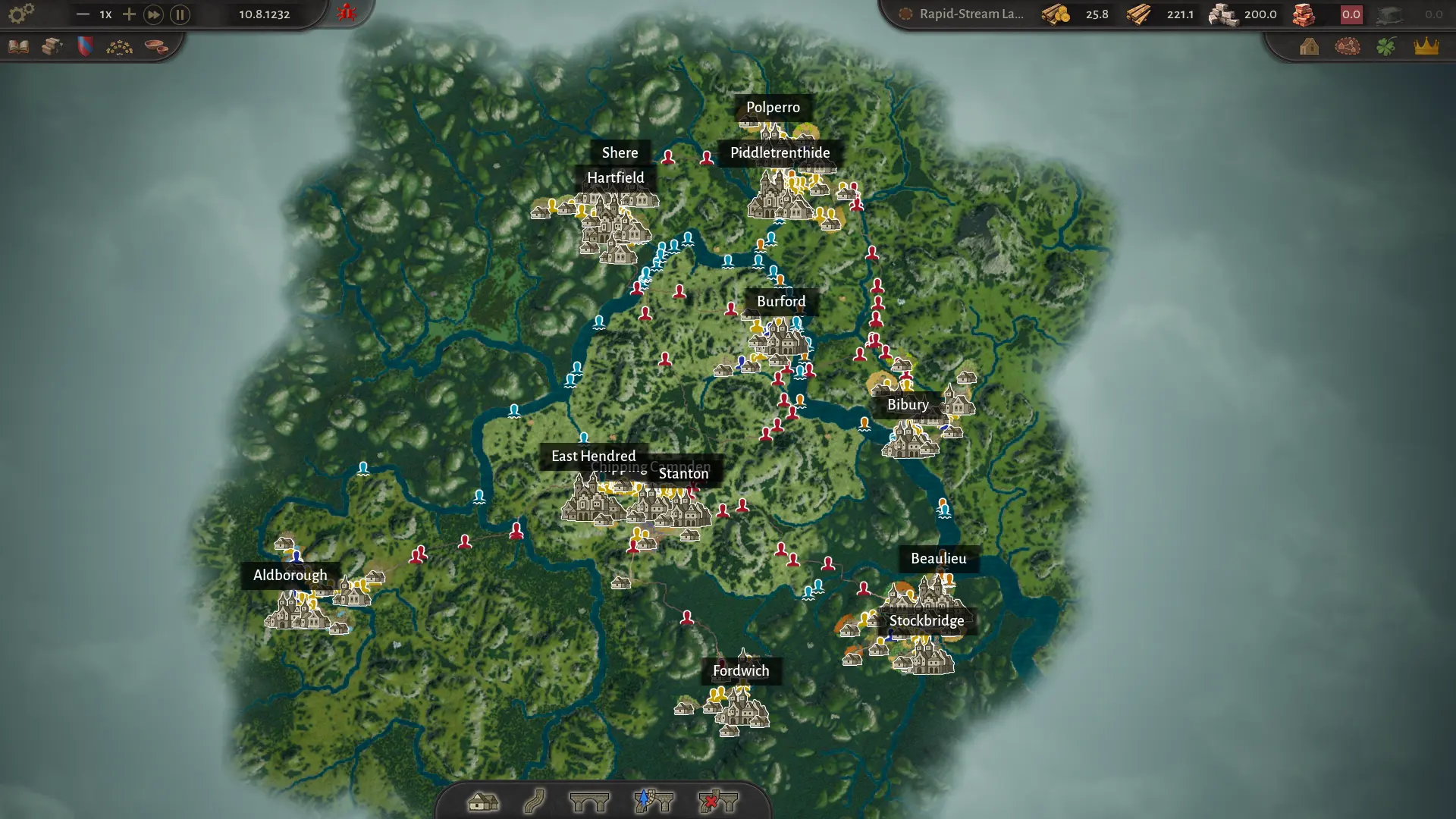
Each settlement occupies a circular area on the map. Radii cannot overlap, so your settlements form a patchwork of specialised places rather than one continuous megalopolis. That is the central design constraint: you are building a county of towns, not a single sprawl.
| Level | Class unlocked | What changes |
|---|---|---|
| Hamlet (1) | Peasants | Basic farms, extraction, carpenter’s guild, wooden chests or wool tunics |
| Village (2) | Commoners | Small market, raft port, tavern, bakery, masonry buildings, more workers |
| Town (3) | Artisans | Advanced workshops, higher-value goods, new needs |
| City (4) | Patricians | Luxury goods, ports and the highest population tiers |
Level names and class unlocks reflect the Early Access progression. The demo stops at level two and the Commoner class.
Choosing a site
A settlement site is judged by what the land can support, not by how pretty the valley looks. Before you place, check five things:
1. Buildable area
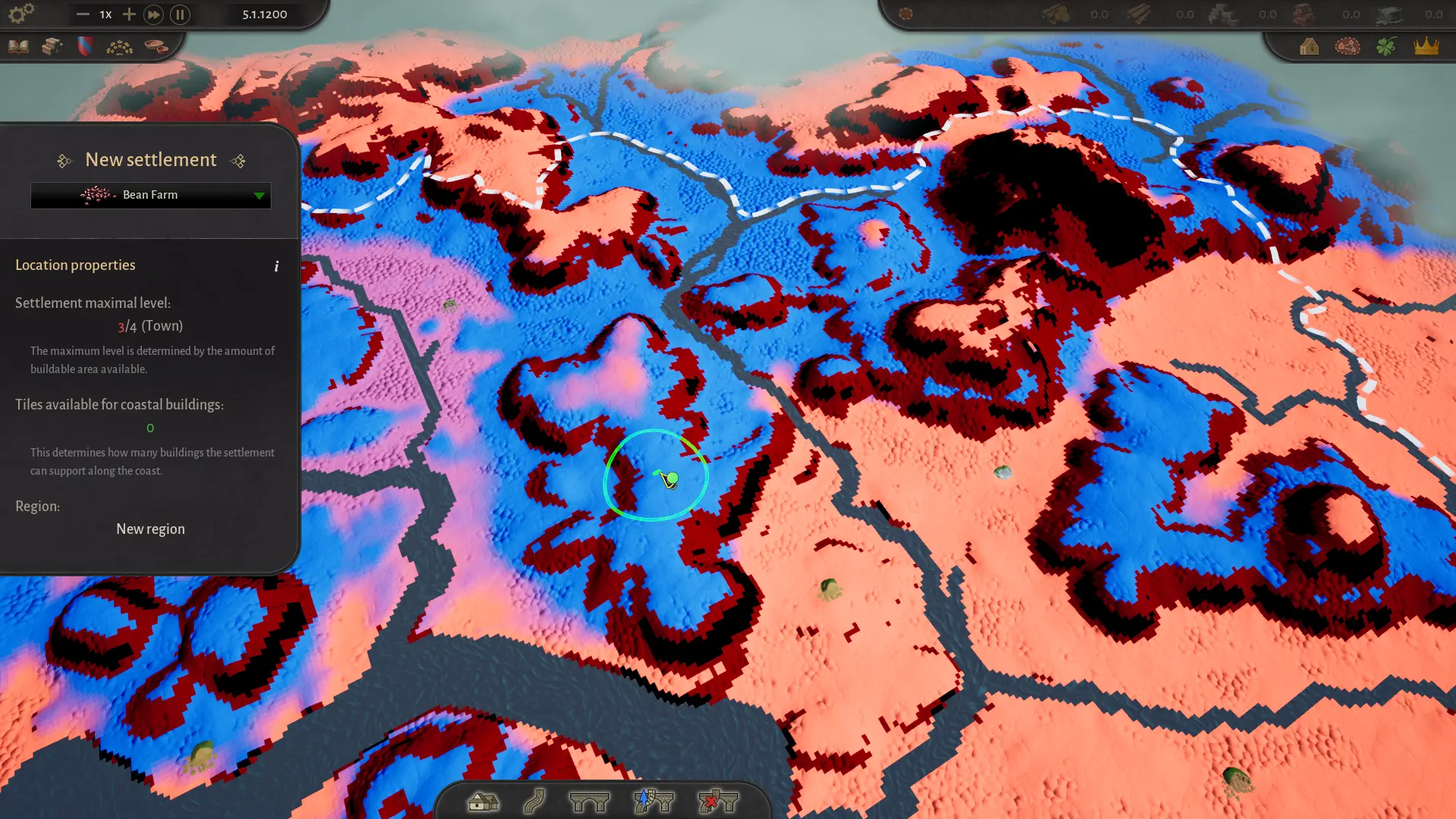
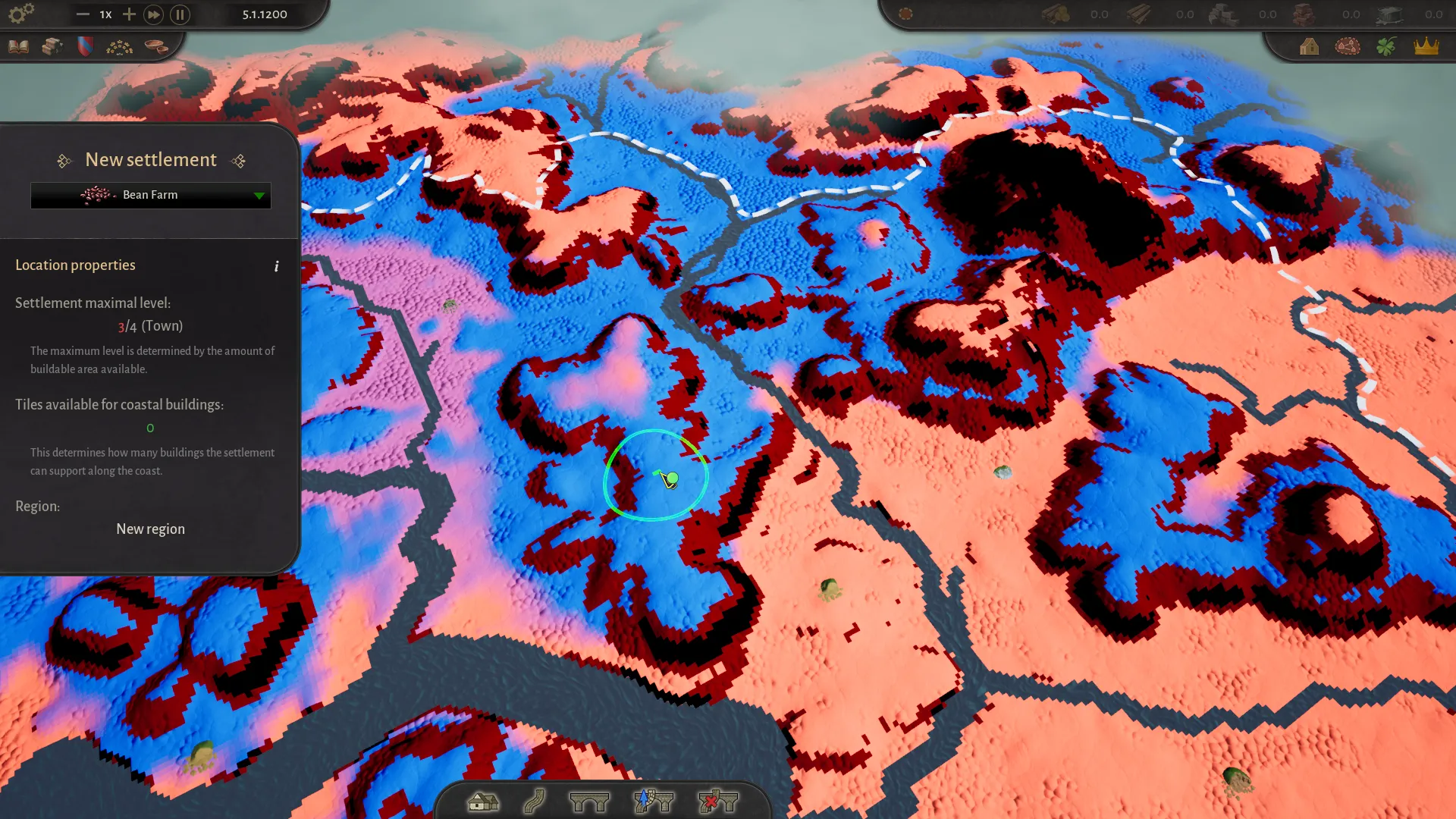
The site needs enough room for buildings, fields and future growth. The settlement panel shows a maximum level based on the buildable area. A site surrounded by water, cliffs or dense terrain may cap early. If you want a level-four city, choose a site with room to breathe.
2. Resources and soil
Food settlements need fertile land for crops or pasture. Industrial settlements need deposits: stone, clay, iron, limestone, salt or sand. The map selection screen can show resource overlays, and the settlement placement UI highlights the area for the chosen starting building. Match the settlement to the resource, not the other way around.
3. River access
Rivers are logistics, not decoration. A settlement on a navigable river can use a raft port at level two, which is the only way to move heavy goods such as stone, clay, sand and logs between regions in the demo. Check the flow direction: rafts move downstream. A settlement on the wrong bank or above a waterfall may be useless for trade.
4. Overlap and terrain blockers
Settlement radii cannot overlap. A site can also be invalid because it sits on stone terrain, even if the patch is only a tile or two wide. If the placement marker is red, read the reason at the bottom of the left panel and zoom in before assuming it is a bug.
5. Region and neighbours
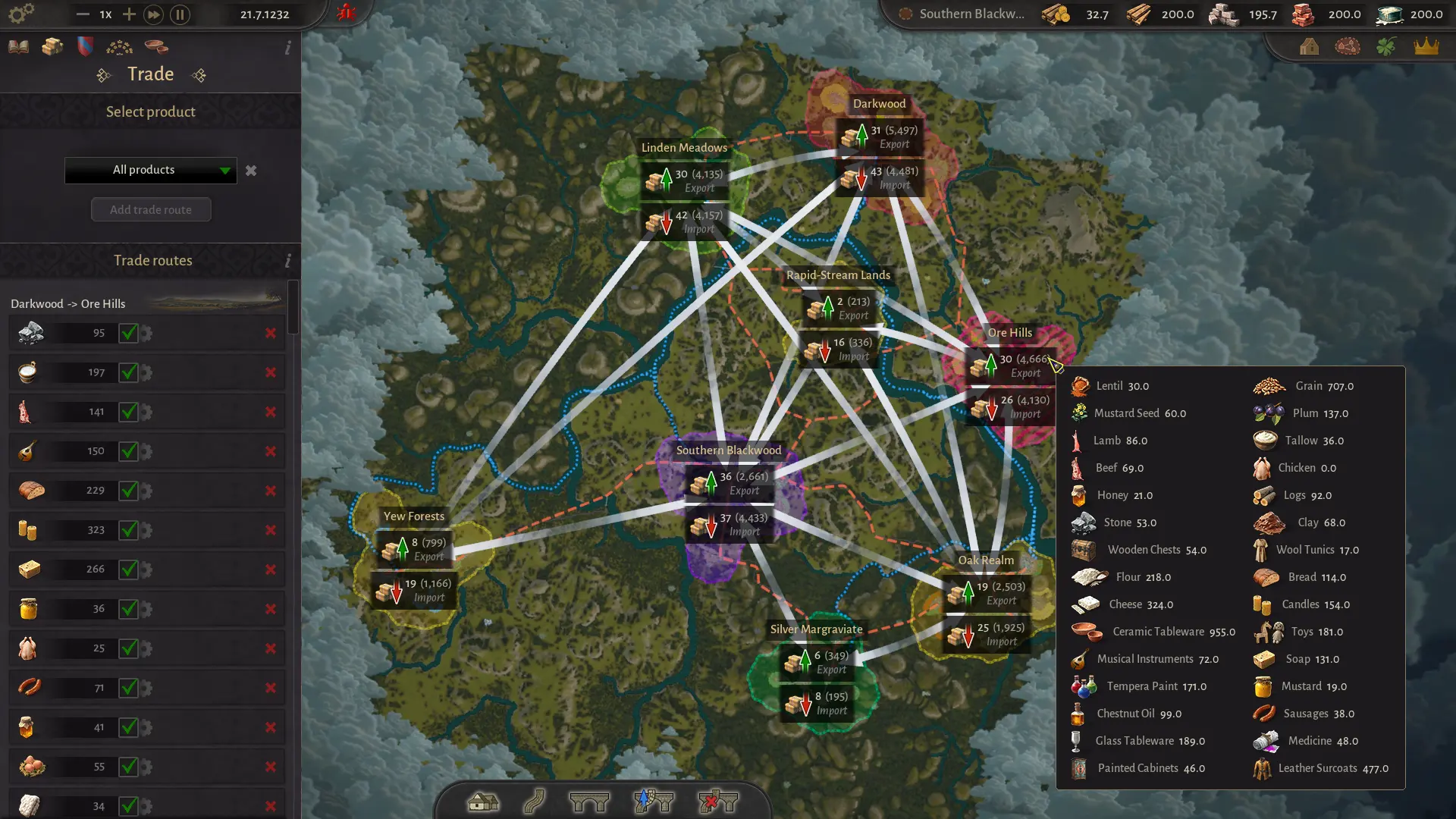
Settlements belong to a region, and the region has a settlement limit tied to its level. A new settlement may found a new region or join an existing one. New regions bring their own steward, elections and trade links, so do not create one casually. The regions guide explains the political layer.
Ask what the settlement will produce at level two and level four, not just what it starts as. A site that is perfect for a starting farm but has no room for workshops will become a liability.
Starting buildings
The starting building sets the settlement’s first production role. Common choices in the demo include:
- Bean Farm, Turnip Farm, Cabbage Farm, Wheat Farm, Rye Farm or Lentil Farm — food settlements.
- Logging Camp — wood, carpentry points and wooden chests.
- Clay Pit or Stone Quarry — construction materials, pottery and masonry.
- Sheep Farm — wool and wool tunics.
- Cattle Farm or Apiary — livestock food or honey.
The starting building can be demolished and replaced later, so a suboptimal choice is not permanent. But the first building determines which resource area you can use at placement, so choose something the site can actually support.
Growth and building slots
Once a settlement is founded, buildings appear procedurally as it grows. You do not place every house; you decide which production buildings to add and which needs to satisfy. The street grid fills in around those decisions.
Building slots are the real progression currency. Each social class has its own slots, and you unlock more by supplying equipment. At the Peasant tier, wooden chests or wool tunics unlock the next slot. At level two, providing more equipment also raises the maximum number of workers in buildings, so equipment is both a gate and a throughput upgrade.
If a settlement has empty slots but no useful building to put in them, you probably need a new production chain rather than another generic workshop. The buildings reference lists the roles and inputs.
Needs and leveling
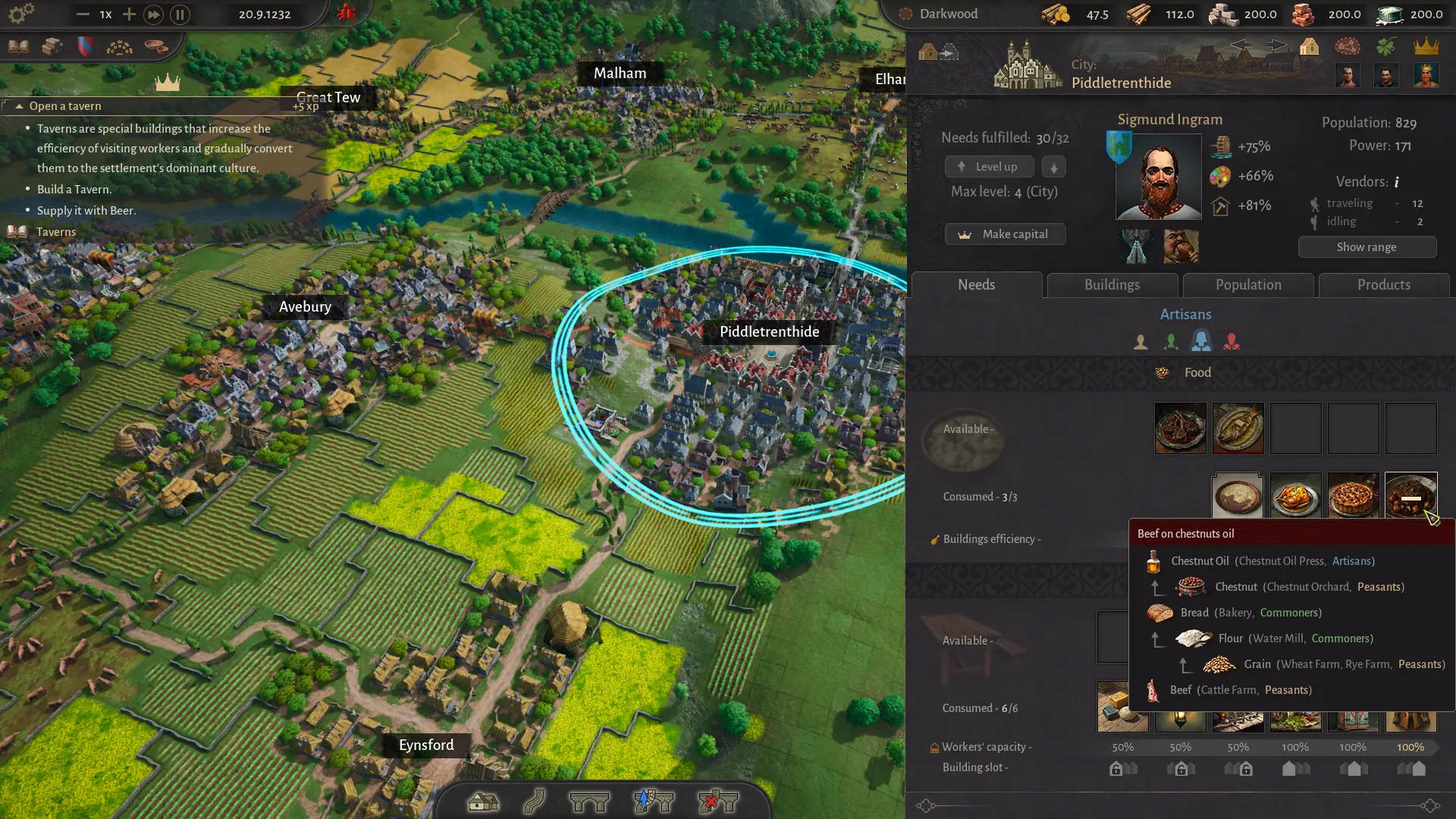
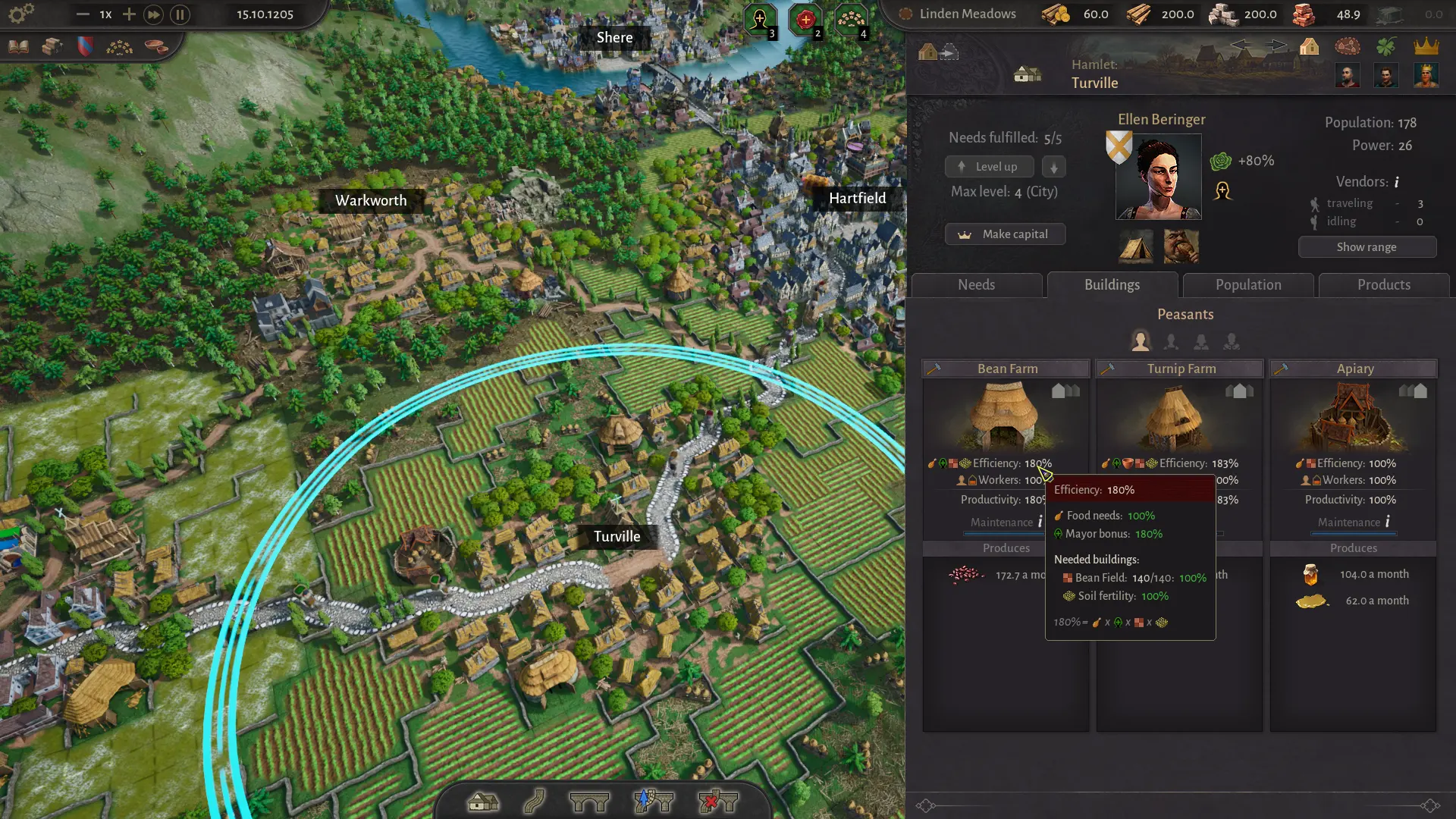
A settlement levels up when its Food and Equipment needs are fully met. Open the settlement panel, check the Needs tab and look for red icons. The Level up button sits next to the mayor portrait; it is disabled while anything is missing.
You can also level a settlement down. This is not a failure state: it frees supply for another settlement that needs the upgrade more. In a tight economy, rotating levels is a legitimate strategy.
Higher classes add new need categories and higher-value goods. A city of Patricians will not be satisfied with cabbages and wooden chests; it wants processed food, furniture, medicine and other luxuries. The social classes guide covers the requirements.
| Check | What to look for | Fix |
|---|---|---|
| Needs tab | Any red food or equipment icon | Produce and distribute the missing good region-wide |
| Production buildings | Warning icon for missing input | Trace the input chain; check storage and roads |
| Workers | Building efficiency below 100% | Supply more equipment or add recipes to raise worker capacity |
| Roads | Disconnected market square | Rebuild the road to the yellow centre square |
| Max level | Buildable area too small | Move the settlement early or accept a lower cap |
Moving and changing settlements
Settlements can be moved after founding at no cost or penalty, as long as the new site is nearby and in the same region. Open the settlement, click the move icon in the top-left of the panel and place it on a valid site. This is a quality-of-life feature added after player feedback, and it makes early placement mistakes much less punishing.
Individual buildings can be demolished and replaced. If a settlement’s production no longer fits the region, knock down the workshop and build something else rather than founding a new town. At the time of writing, the demo does not expose a delete-settlement button; moving is the supported way to reposition a settlement you no longer want where it is.
You cannot move a settlement to the other side of the map or into a different region. If you need a completely different location, found a new settlement and repurpose the old one.
Capitals and specialisation
Each region can designate a capital. The capital can receive capital-specific privileges, such as increased building efficiency, and it serves as the region’s political centre. Choose a settlement with room to grow and good logistics, not necessarily your first hamlet.
Specialisation is the difference between a county that works and one that merely exists. A good pattern is:
- Food settlements on fertile land, producing two or three complementary foods.
- Extraction settlements near stone, clay, iron or salt, with the guilds that process them.
- Workshop settlements with high worker capacity and access to multiple inputs.
- Trade settlements on rivers or road junctions, with markets and ports.
- A capital with the widest buildable area and the best political bonuses.
Placement checklist
- Is there enough buildable area for the level you want?
- Does the site have the resource, soil or coast the starting building needs?
- Is the river navigable, and which way does it flow?
- Does the radius overlap an existing settlement?
- Is the footprint clear of stone terrain and other blockers?
- Can a road reach the central market square without a bridge you cannot afford?
- Will the settlement join an existing region or create a new one?
- Does the region need this settlement’s output, or are you adding another mouth to feed?
Once the site is chosen, the beginner guide covers the opening build order. For the economy behind the settlement, read the production chains guide.
Quick answers
County of Fortune settlement questions
Can I delete a settlement in County of Fortune?
At the time of writing, the demo does not expose a delete-settlement button. The supported option is to move a settlement for free within its region. You can demolish individual buildings and rebuild them to change production.
Why is my settlement capped below level four?
Maximum level is determined by the amount of buildable area available. A cramped site with limited room for buildings may cap at level two or three even if its needs are met. Check the settlement panel before investing in a long-term town.
How do I unlock more building slots?
Supply the settlement with equipment. At the Peasant tier that means wooden chests or wool tunics; higher classes require more advanced equipment. More equipment also increases the maximum number of workers in buildings at level two and above.
Should every settlement produce food?
No. A county works best when settlements specialise. One or two strong food settlements can supply the region if roads and markets connect them. A quarry town with poor soil should import food rather than force a weak farm.
What does “Make capital” do?
It designates the regional capital, which can receive capital-specific privileges and bonuses such as increased building efficiency. The capital is also the settlement shown as the region’s centre in the steward panel.