On this page +
Settlement fixes
A bad settlement site is not a dead save. County of Fortune lets you move settlements, demolish buildings and repurpose production. The one thing the current demo does not offer is a simple “delete settlement” button.
Short answer
Move: select the settlement, click the move icon in the top-left of its panel and place it on a valid nearby site in the same region. It is free and has no penalty in the current build.
Demolish: individual buildings, including the starting building, can be demolished and replaced to change what the settlement produces.
Delete: no delete-settlement option is exposed in the demo at the time of writing. If you want the site gone, move the settlement and repurpose the old location.
How to move a settlement
- Open the settlement panel by clicking the settlement on the map.
- Click the move settlement icon in the top-left corner of the panel.
- Choose a valid site nearby. The new site must be in the same region and within a reasonable distance of the original location.
- Confirm the move. The settlement keeps its buildings, population and mayor; only its position changes.
Moving is the intended fix for a settlement that is too far from a resource, too close to a river crossing or blocking a better site. Because it is free, there is no reason to restart a save just because your first town is two tiles off.
If you realise a site is wrong in the first hour, move it immediately. The cost of moving is zero, but the cost of rebuilding a developed settlement is much higher.
Demolish and rebuild
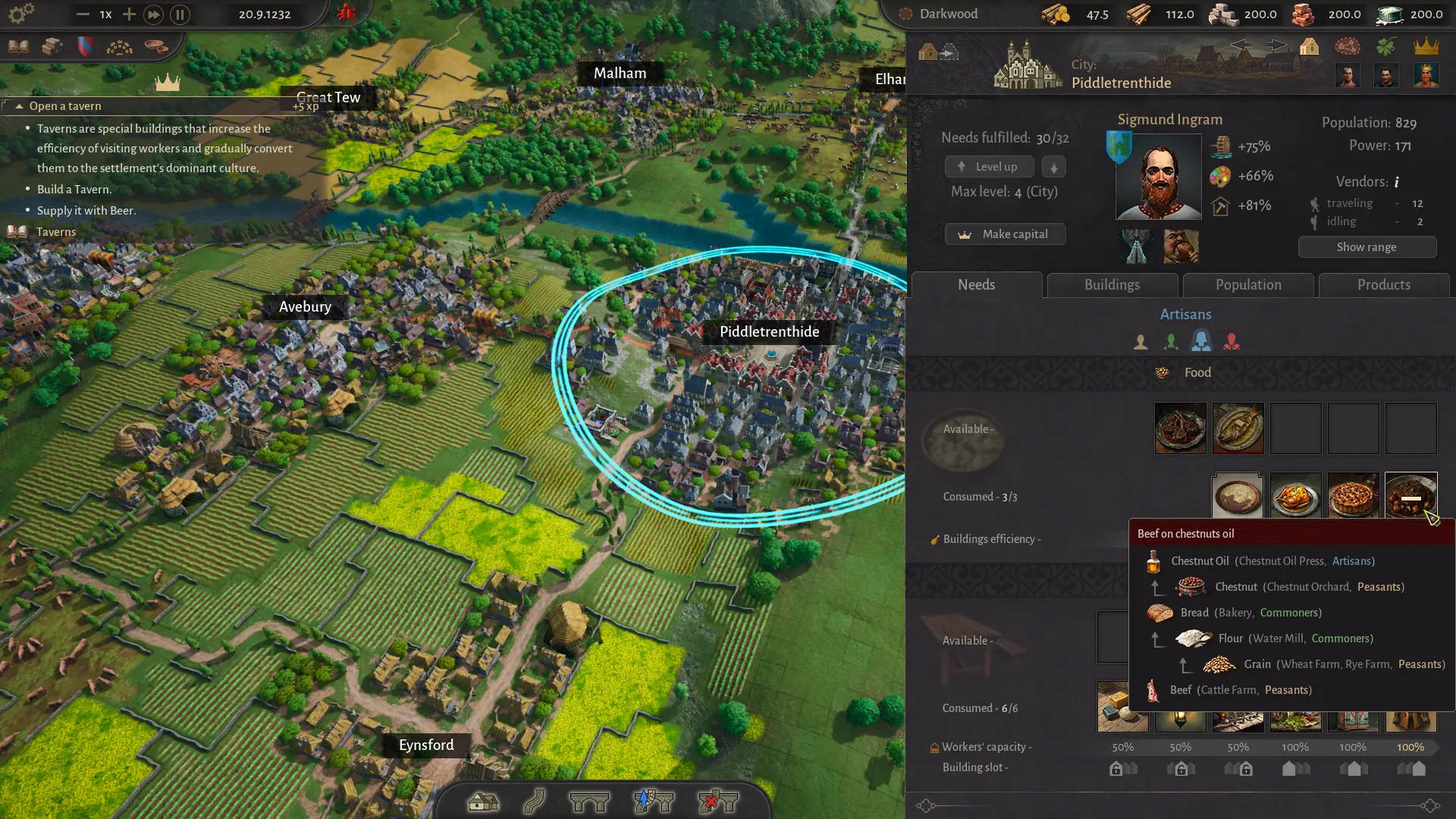
- Open the settlement’s Buildings tab.
- Select the building you want to remove.
- Demolish it, then choose a new building in the same class slot.
- Reconnect any roads or inputs that the new building needs.
- Check the Needs panel and production tooltip before unpausing.
Starting buildings can also be replaced. This is useful when a settlement founded as a farm should become a quarry town, or when a workshop’s input is no longer available in the region. The settlement keeps its name, mayor and population; only the building changes.
Delete vs move vs demolish
| Action | What happens | Use it when |
|---|---|---|
| Move settlement | Relocates the whole settlement within the same region | The site is wrong, but the town is worth keeping |
| Demolish building | Removes one building and frees its slot | Production no longer fits the region |
| Delete settlement | Not exposed in the current demo | You want the site removed entirely |
| Level down | Lowers the settlement’s class level and frees supply | The region cannot support all of its towns |
| Repurpose | Changes buildings and production without moving | The location is fine but the economy has changed |
Recovering from a bad site
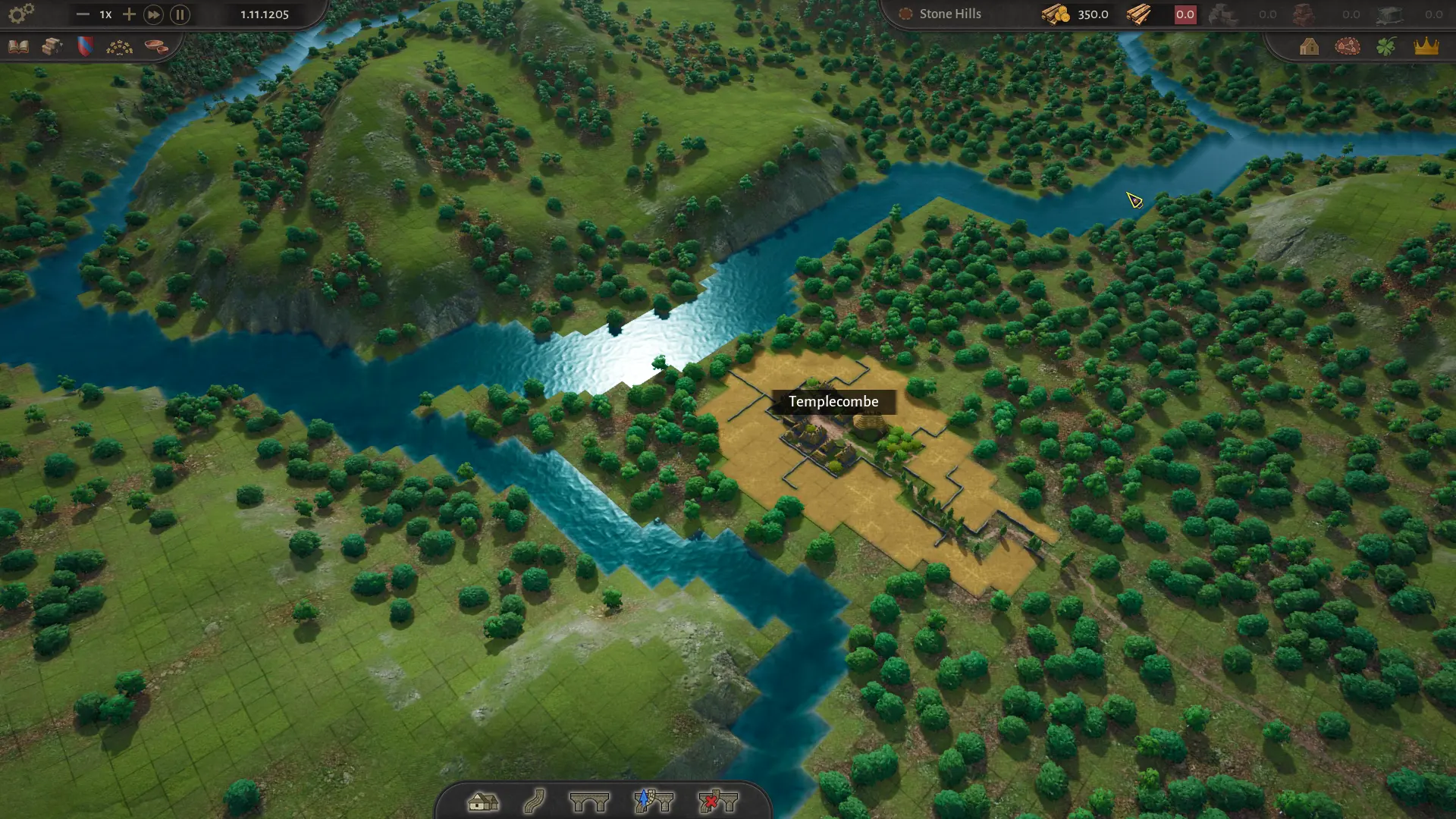
A “bad” site usually means one of four things: not enough buildable area, poor access to a resource, no river connection, or an awkward position that blocks a better settlement. The recovery depends on which one applies.
| Problem | Best fix | Why |
|---|---|---|
| Too small for level 3–4 | Move the settlement early, or accept a lower-level support town | Max level is tied to buildable area |
| Far from a resource | Move closer, or build a new settlement at the resource | Production buildings need the deposit |
| No river access | Move to a navigable stretch, or use land trade for light goods | Heavy goods need water |
| Blocks a better site | Move it and reuse the old location | Settlement radii cannot overlap |
| Economy no longer fits | Demolish and rebuild production | Cheaper than relocating a developed town |
Why placement is blocked
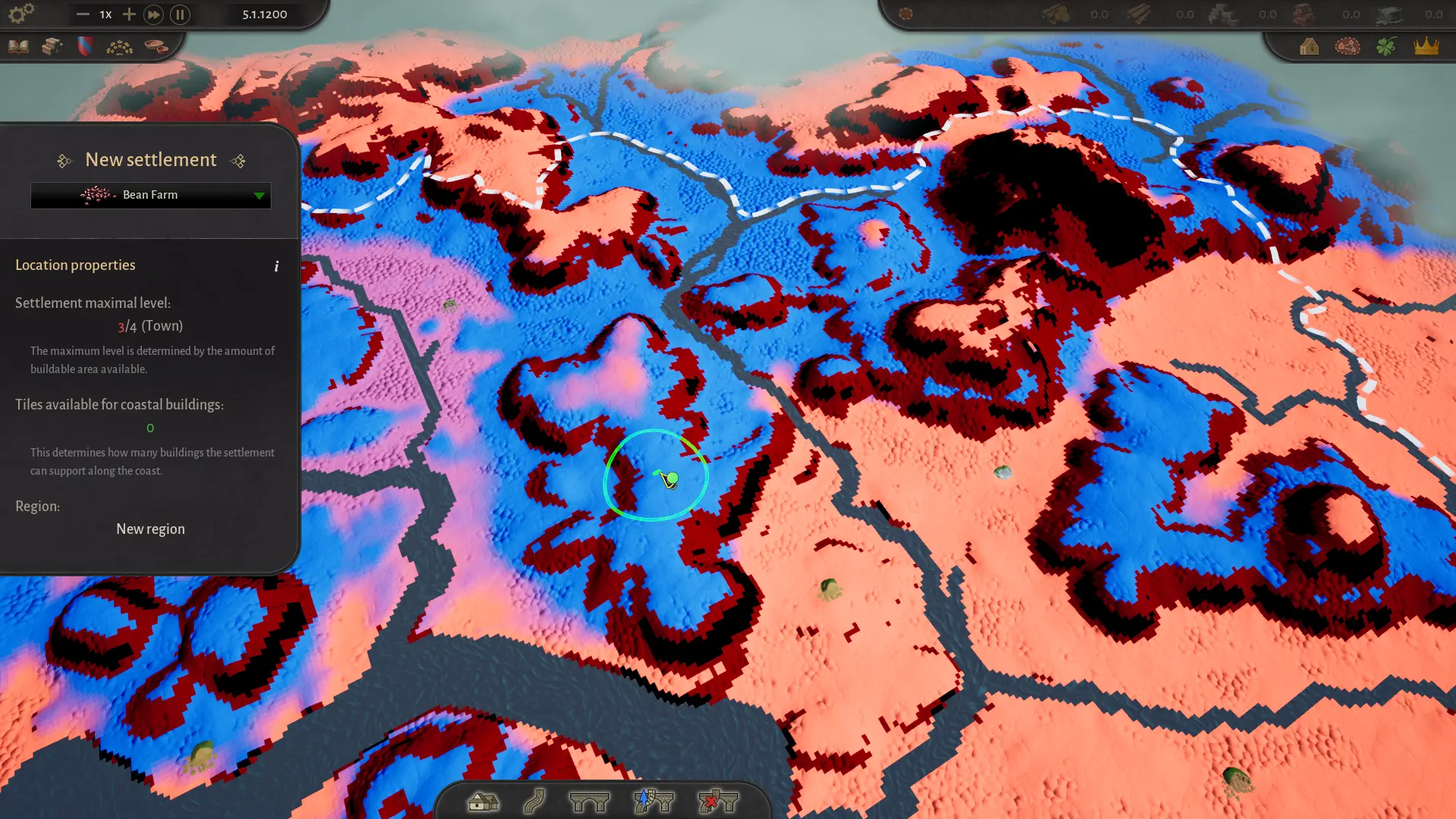
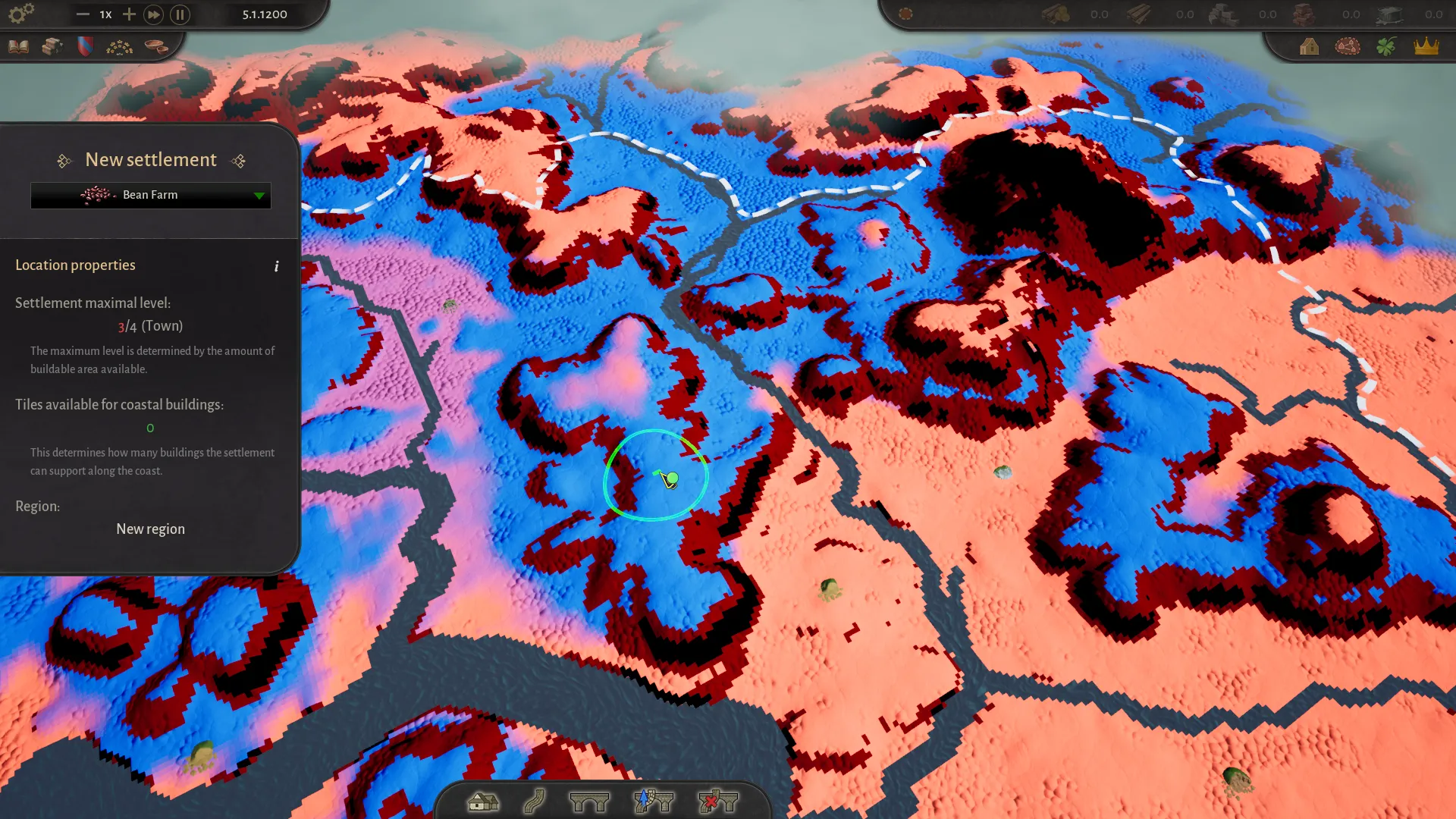
If you cannot place or move a settlement, the reason is usually visible at the bottom of the left panel. Common causes:
- No starting building selected during the tutorial. Choose one in the left panel first.
- Overlapping settlement radius. Each settlement needs its own circular area.
- Stone terrain under the footprint. Small stone patches can be hard to see; zoom in.
- Tutorial white circle. The first settlement must be in a recommended location.
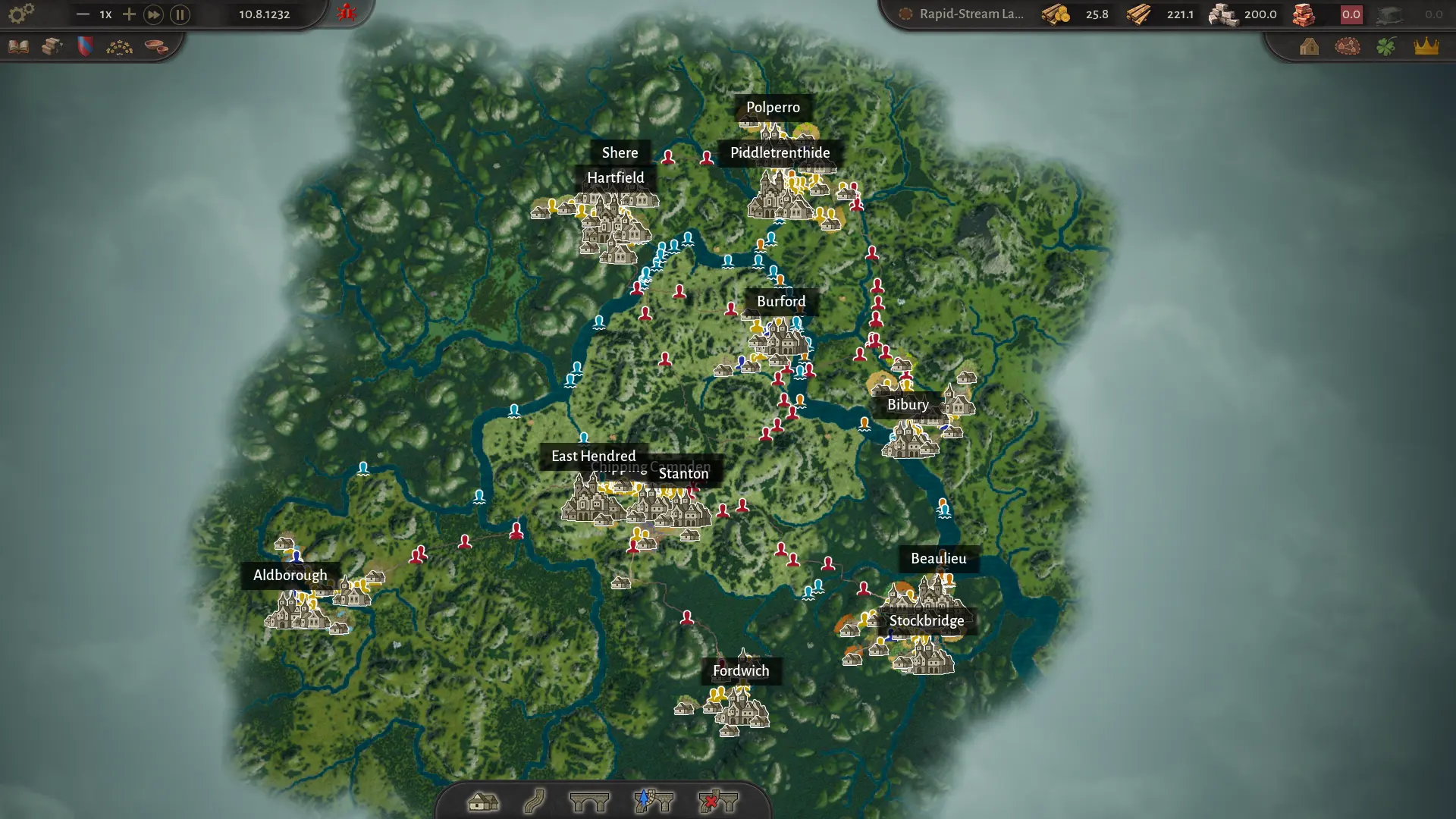
- Region limit. The region may be at its settlement cap; level the region or found a new one.
For the full placement checklist, see the settlements guide. For region limits, read the regions and map guide. If you are still stuck, the FAQ covers the common cases.
Quick answers
Delete or move settlement questions
Can you delete a settlement in County of Fortune?
At the time of writing, the demo does not expose a delete-settlement button. The supported option is to move a settlement for free within its region. You can demolish individual buildings and replace them to change production.
How do I move a settlement?
Open the settlement, click the move icon in the top-left of its panel and choose a valid site nearby in the same region. The move is free and has no penalty in the current build.
Can I move a settlement to another region?
No. A settlement must stay within a reasonable distance of its original location and in the same region. If you need a completely different location, found a new settlement and repurpose the old one.
Why can’t I place a settlement?
The usual reasons are a missing starting-building selection, an overlapping settlement radius, a footprint on stone terrain, a tutorial white-circle requirement, or a full region. Read the reason at the bottom of the left panel and zoom in before assuming it is a bug.
Does demolishing a building refund resources?
The demo does not guarantee a full refund. Treat demolition as a production change, not a way to recover construction costs. Save before a major rebuild so you can compare the outcome.